The proposal looked perfect.
Polished. Professional. Confident.
Exactly the kind of document that makes your business look like it has everything under control.
Then the client called.
The market research, the data that supported the entire recommendation, didn’t exist.
The AI made it up.
Not vaguely. Not accidentally. But confidently and in detail.
There’s a name for this: AI hallucinations.
And it happens when powerful tools are used without oversight.
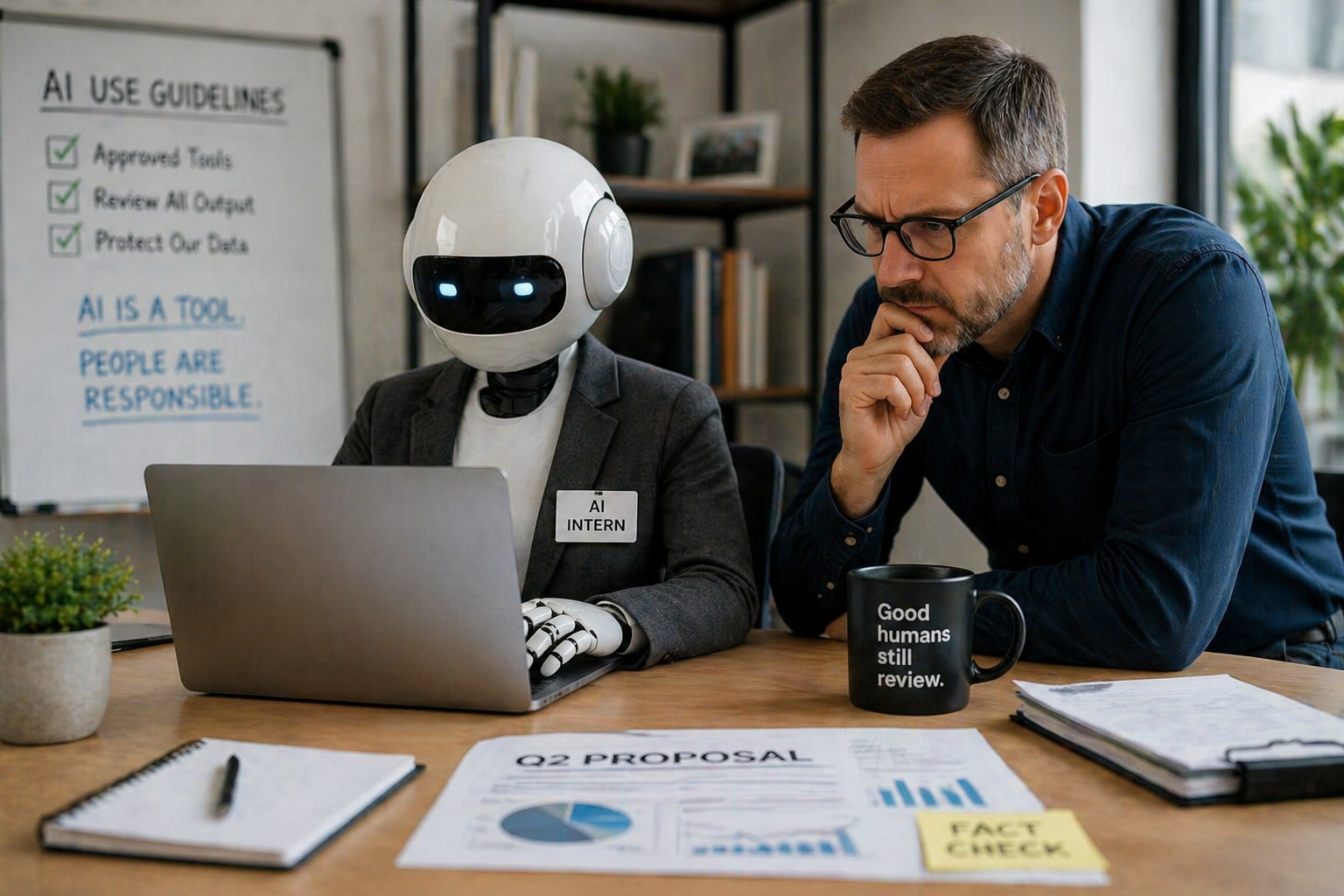
The Intern Nobody Onboarded
Imagine hiring an intern and giving them access to everything on day one:
- Client files
- Financial data
- Email drafts
- Internal documents
And then saying:
“Just figure it out.”
No training. No guidelines. No supervision.
That would never happen in a real business.
But it’s exactly how many South Florida businesses are rolling out AI right now.
Not because they’re careless, but because AI is:
- Easy to access
- Built into everyday tools
- Incredibly helpful for productivity
There’s an AI button in your email, your documents, your CRM, your project management platform.
It feels like help has arrived.
And in many ways, it has.
The Problem Isn’t AI, It’s the Lack of a Plan
AI is powerful.
It can:
- Draft emails
- Summarize documents
- Analyze information
- Save your team hours of work
But here’s the reality:
If your business doesn’t have structure around how AI is used, it can create risk just as quickly as it creates efficiency.
What’s Actually Happening Behind the Scenes
When AI tools are introduced without clear guidelines, we typically see three things happen.
1. Sensitive Data Gets Shared Without Realizing It
Employees paste:
- Client contracts
- Financial reports
- Internal data
…into AI tools to get quick help.
It feels harmless.
But many consumer AI platforms may use that data to improve their models.
That means your business information may not stay as private as you think.
And the biggest issue?
No one is trying to break the rules, they just don’t know where the line is.
2. “Shadow AI” Starts Spreading Across the Business
Employees don’t wait for approval.
They find tools that help them work faster and start using them.
Now you’ve got:
- AI platforms IT never approved
- Unknown data access points
- No visibility into how information is being used
This is the AI version of shadow IT, and it’s growing fast in small and mid-sized businesses.
3. AI Output Gets Trusted Without Verification
AI writes with confidence.
It doesn’t say:
“I’m not sure about this.”
It delivers answers that sound correct, even when they’re not.
That’s how you end up with:
- Fake statistics in proposals
- Incorrect summaries sent to clients
- Misleading information presented as fact
A human intern might make that mistake once.
AI can do it at scale.
How to Manage AI the Right Way (Without Slowing Your Team Down)
Banning AI isn’t realistic.
And honestly, it puts your business at a disadvantage.
The smarter move is to treat AI like what it is.
Here’s how we guide businesses across the Treasure Coast and the Palm Beaches:
1. Decide What Tools Are Approved
Keep it simple.
Create a clear list of:
- Approved AI tools
- Restricted tools
- Tools under evaluation
This isn’t about red tape.
It’s about knowing what’s connected to your business.
2. Build a Simple Review Process
AI drafts.
Humans approve.
Nothing should go to:
- Clients
- Vendors
- The public
…without a quick review.
This is where most AI-related mistakes happen, and it’s the easiest place to fix them.
3. Set Clear Boundaries on What Can Be Shared
Your team needs to know exactly what not to put into AI tools:
- Client names
- Contracts
- Financial data
- Employee information
If you don’t define the line, people will cross it without realizing it.
Why This Matters for Your Business
AI is moving fast.
And for small and mid-sized businesses in South Florida, it’s becoming part of everyday operations whether you plan for it or not.
The businesses that benefit most from AI won’t be the ones that avoid it.
They’ll be the ones that use it intentionally and securely.
A Quick Reality Check
Ask yourself:
- Do you know what AI tools your team is using?
- Are there clear guidelines in place?
- Is someone reviewing AI-generated content before it goes out?
If the answer is “not really,” you’re not alone.
But it’s worth addressing now, before it turns into a client-facing issue.
Let’s Put Guardrails Around AI (Without Killing Productivity)
At Capstone IT, we help businesses across Palm Beach Gardens, West Palm Beach, Stuart, and the Treasure Coast implement AI the right way.
That means:
- Secure configurations
- Clear usage policies
- Practical processes your team will actually follow
Because AI should make your business faster, not riskier.
Call us at (561) 257-1879 to schedule a quick discovery call.
We’ll help you:
- Understand where AI is already being used
- Identify potential risks
- Put simple guardrails in place
And if you know a business owner who’s handed their AI “intern” the keys and walked away, send this to them.
Because the businesses that struggle with AI won’t be the ones who use it.
They’ll be the ones who never decided how it should be used.