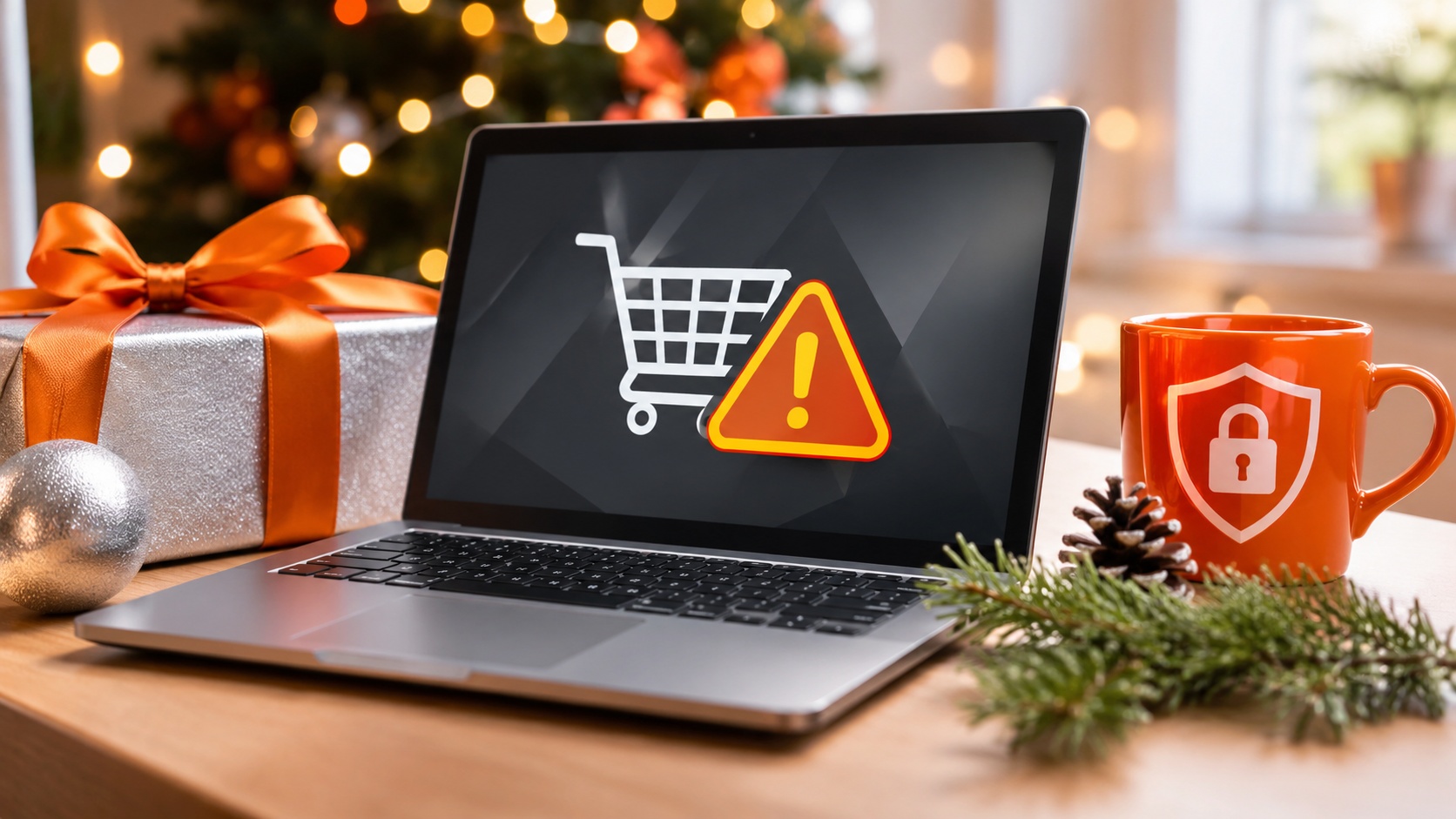
The holiday season brings plenty of excitement, but it also creates new opportunities for cybercriminals to target unsuspecting shoppers and businesses.
Between holiday shopping, package deliveries, year-end deadlines, and overflowing email inboxes, December is one of the busiest times of the year. Unfortunately, cybercriminals know this, and they take advantage of the distractions that come with the season.
For businesses throughout South Florida, including the Treasure Coast and Palm Beaches, holiday scams aren't just a concern for individuals shopping online. They can also create serious cybersecurity risks for businesses when employees unknowingly click malicious links, share sensitive information, or compromise their login credentials.
At Capstone IT, we work with businesses from Fort Pierce to Boca Raton to help protect their technology, employees, and sensitive information. One of the most important parts of cybersecurity is understanding how cybercriminals operate and recognizing potential threats before they become costly problems.
Here are four common holiday scams to watch for this season and what your business can do to stay protected.
1. Fake Package Delivery Notifications
With millions of packages being shipped during the holidays, it's not unusual to receive multiple delivery notifications throughout the day. Cybercriminals take advantage of this by sending fraudulent text messages and emails that appear to come from legitimate shipping companies such as UPS, FedEx, or the U.S. Postal Service.
These messages often claim that a package has been delayed, an address needs to be updated, or a small fee must be paid before delivery can be completed. They typically include a link that directs the recipient to a fraudulent website designed to steal personal information, payment details, or account credentials.
The problem becomes even more serious when employees receive these messages on devices they also use for work. A single compromised account or malicious download can potentially expose business information or create an opportunity for attackers to gain access to company systems.
How to protect yourself: Rather than clicking a link in an unexpected delivery notification, visit the shipping company's official website or app and enter the tracking number directly. Businesses should also reinforce the importance of recognizing suspicious messages through regular cybersecurity awareness training.
2. Fake Online Stores and Holiday Deals That Seem Too Good to Be True
We've all seen those holiday advertisements offering incredible discounts on popular products. During the holiday season, social media feeds, search engines, and email inboxes are filled with promotions promising limited-time deals and substantial savings.
Unfortunately, not every online store is legitimate.
Cybercriminals frequently create convincing websites that imitate recognizable retailers, complete with professional-looking product images, customer reviews, and checkout pages. Their goal may be to collect payments for products that never arrive or, even worse, steal credit card information and personal details.
These scams can also affect businesses purchasing year-end technology, office equipment, employee gifts, or other supplies. A fraudulent technology vendor or fake online storefront could put company purchasing information and financial accounts at risk.
For small and midsize businesses in Palm Beach County and the Treasure Coast, where employees may wear multiple hats and purchasing responsibilities aren't always centralized, these threats deserve particular attention.
How to protect yourself: Always verify the website address before entering payment information. Be cautious of unfamiliar retailers offering unusually low prices, and look for independent reviews outside the seller's website. Businesses should also establish clear purchasing procedures and encourage employees to verify unfamiliar vendors before making purchases.
3. Fraudulent Order Confirmations and Cancellation Requests
Imagine opening your email and discovering an order confirmation for an expensive purchase you never made. Your first instinct might be to click the link to cancel the order or dispute the charge.
That's exactly what the scammer is hoping you'll do.
Fraudulent order confirmations are designed to create urgency and concern. The email may look like it came from Amazon, Walmart, PayPal, or another familiar company. It may include an invoice, an order number, and a prominent button encouraging you to cancel or dispute the purchase immediately.
Clicking that button could direct you to a phishing website that collects your username, password, or financial information. Some scams also encourage recipients to call a fraudulent customer service number, where attackers attempt to obtain additional information or convince victims to install remote-access software.
For businesses, these scams can be especially dangerous when employees use the same email account for vendor communications, purchasing, and other business activities.
A compromised Microsoft 365 account, for example, could potentially give cybercriminals access to sensitive emails, documents, and business communications.
How to protect yourself: If you receive an unexpected order confirmation, don't use the links or phone numbers provided in the message. Instead, log in directly to the retailer's official website to review your purchase history. Businesses should also use multifactor authentication, email security protections, and proactive monitoring to help reduce the risk of account compromise.
4. Fake Customer Service and Refund Scams
The holidays are a busy time for customer service departments, and cybercriminals know that consumers are often dealing with returns, refunds, and shipping problems.
Scammers may contact you by phone, email, or text claiming to represent a major retailer or financial institution. They might explain that an order was processed incorrectly, a refund is waiting, or suspicious activity has been detected on your account.
These individuals can be remarkably convincing. They may sound professional, friendly, and genuinely interested in helping resolve the issue.
However, the conversation can quickly turn into a request for sensitive information, such as a password, verification code, banking details, or permission to remotely access your computer.
For businesses, these tactics can extend beyond retail transactions. Cybercriminals may impersonate software vendors, IT support representatives, financial institutions, or even company executives to convince employees to disclose information or authorize fraudulent transactions.
As artificial intelligence continues to advance, fraudulent communications can become even more polished and difficult to distinguish from legitimate requests.
How to protect yourself: Never provide passwords, authentication codes, or remote access to someone who contacts you unexpectedly. If a request seems suspicious, end the conversation and contact the organization directly using a verified phone number or website.
Why Holiday Cybersecurity Matters for South Florida Businesses
One of the biggest misconceptions about cybersecurity is that a threat involving an employee's personal shopping activity can't affect the business they work for.
Unfortunately, the lines between personal and professional technology aren't always clear.
Employees may access personal email accounts from company computers, use their smartphones for work, or reuse passwords across multiple platforms. When cybercriminals compromise one account, they may attempt to use that information to access other systems.
For law firms handling confidential client information, financial organizations managing sensitive records, nonprofits protecting donor data, and other businesses throughout South Florida, the consequences of a cybersecurity incident can extend well beyond the initial attack.
Lost productivity, financial losses, compromised information, and damage to client trust can all create significant challenges.
That's why cybersecurity shouldn't be treated as something businesses only think about after an incident occurs.
A proactive approach combines employee education, strong security policies, advanced email protection, multifactor authentication, reliable data backups, and ongoing network monitoring.
And while no cybersecurity solution can eliminate every threat, having the right safeguards and support in place can significantly reduce your organization's exposure.
How Capstone IT Helps Businesses Stay Protected Year-Round
At Capstone IT, we believe technology should help businesses operate more efficiently and securely, not create unnecessary stress or uncertainty.
As a managed IT services provider serving Palm Beach Gardens, West Palm Beach, Jupiter, Stuart, Port St. Lucie, Fort Pierce, Boca Raton, and surrounding South Florida communities, we help small and midsize businesses take a proactive approach to technology management and cybersecurity.
Our managed IT services include ongoing network monitoring, cybersecurity solutions, Microsoft 365 security, data backup and disaster recovery, employee security awareness training, and strategic IT consulting.
We also work with business owners and leadership teams to identify potential vulnerabilities, strengthen their security practices, and develop technology strategies that support their long-term goals.
The holiday season is a good reminder that cybersecurity isn't just about firewalls, antivirus software, or sophisticated technology. It's also about making sure employees understand the risks and know how to respond when something doesn't look right.
Before your team heads into the holidays, take a few minutes to remind everyone to slow down, verify unexpected messages, and think twice before clicking suspicious links. Sometimes, that simple reminder can make all the difference.
Start the New Year With a Stronger Cybersecurity Strategy
As 2026 comes to a close, now is an excellent time to evaluate your company's cybersecurity protections and prepare your technology for the year ahead.
Whether you're concerned about phishing attacks, outdated systems, data protection, or the overall effectiveness of your current IT support, Capstone IT can help you identify opportunities to strengthen your business.
Contact Capstone IT to schedule a conversation about your organization's cybersecurity and managed IT needs.
Capstone IT — Your Partner in Business Technology.
Serving businesses throughout the Treasure Coast and Palm Beaches, from Fort Pierce to Boca Raton.